


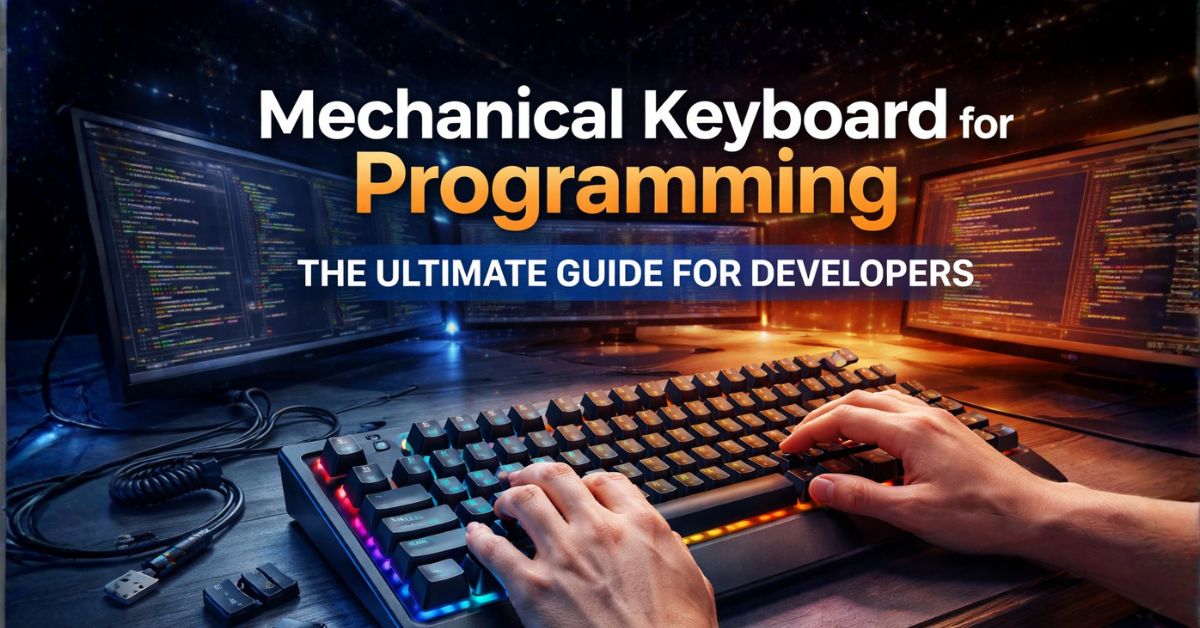
For modern developers, the choice of a keyboard is more than just a preference; it is a critical decision that impacts long-term health, coding speed, and overall job satisfaction. In recent years, the mechanical keyboard for programming has surged in popularity, moving from a niche hobbyist interest to a standard tool in the developer’s arsenal. Unlike the cheap, membrane keyboards often bundled with PCs, mechanical boards offer a level of precision and tactile feedback that makes typing thousands of lines of code a much more engaging and comfortable experience. The satisfying \”thock\” or click of a well-made switch provides a physical confirmation for every keystroke, reducing the likelihood of missed characters and helping programmers maintain a steady flow state during intense debugging sessions.
Best Mechanical Keyboard for Programming: Top Picks for Developers
Choosing the right mechanical keyboard for programming can significantly improve your coding experience. For more tips on optimizing your workspace, check out our dual monitor setup guide. You can also explore the Mechanical Keyboard community for in-depth switch reviews and recommendations from professional developers.
Whether you are a seasoned software engineer or a student just starting your journey, investing in a high-quality programming keyboard is one of the best ways to upgrade your workspace. The combination of durability, customization, and ergonomic support means these keyboards can last for years, adapting to your specific needs through swappable switches and programmable layouts. As we explore the technology behind these boards and the best models available in 2025, you will see why the mechanical revolution is here to stay in the world of tech innovation.
What is a Mechanical Keyboard?
At its core, a mechanical keyboard is defined by its use of individual physical switches under every single key. In contrast to membrane keyboards, which use a single large rubber sheet to register presses, a mechanical board treats each key as an independent piece of hardware. This fundamental difference in keyboard switch technology is what gives these devices their legendary durability and distinctive feel. Each switch consists of a housing, a spring, a stem, and metal electrical contacts. When you press a key, the stem moves down, the spring compresses, and the contacts meet to send a signal to your computer.
The beauty of mechanical switches lies in their variety. Because each key is self-contained, manufacturers can tune the springs and internal components to create vastly different typing experiences. Some switches are designed to be perfectly smooth, while others have a noticeable \”bump\” or an audible \”click\” when the key is activated. This precision allows developers to choose exactly how much force is required to type, which can significantly reduce finger fatigue over an eight-hour workday. Furthermore, most mechanical keyboards are rated for 50 to 100 million keystrokes, making them a much more sustainable and reliable choice than their membrane counterparts, which often lose their \”snap\” after just a few million presses.
Types of Mechanical Switches
Understanding the different keyboard switch types is essential for finding your perfect match. While there are dozens of manufacturers today, the industry standards are often modeled after the classic Cherry MX switches. Generally, switches fall into three main categories: linear, tactile, and clicky.
Linear Switches
Linear switches are defined by their smooth, consistent travel from the top to the bottom of the press. There is no tactile bump or audible click at the actuation point. Many programmers prefer linear switches (like Cherry MX Reds or Blacks) for their speed and quiet operation. They are excellent for fast typists who don’t want any resistance, though some beginners find them \”too smooth,\” leading to occasional accidental keypresses because there is no physical feedback when the key registers.
Tactile Switches
Tactile switches (like Cherry MX Browns) are often considered the gold standard for programming. They feature a noticeable bump halfway through the keypress, precisely at the point where the keystroke is registered. This feedback allows you to stop pressing as soon as you feel the bump, which can lead to a lighter, faster typing style and less strain on your fingers. They are tactile enough to provide confirmation but quiet enough for most office environments.
Clicky Switches
Clicky switches (like Cherry MX Blues) take the tactile experience a step further by adding a sharp, audible \”click\” sound at the actuation point. These provide the most feedback of any switch type, making them incredibly satisfying for solo coding sessions. However, the noise can be a major drawback in shared workspaces or during late-night coding if you have roommates. Many developers love the typewriter-like feel, but it is always wise to consider your environment before committing to a clicky board.
Best Mechanical Keyboards for Programming
Finding the best mechanical keyboard for programmers depends on your layout preference and desk space. Here are six top contenders for 2025.
1. Keychron Q1 Max
The Keychron Q1 Max is a premium 75% layout board that offers a perfect balance of features and desk space. It is fully customizable with a hot-swappable PCB and solid aluminum construction.
- Pros: Excellent build quality, QMK/VIA support, wireless connectivity.
- Cons: Heavy, relatively expensive.
2. Das Keyboard 6 Professional
A classic choice for the professional workspace, this full-sized coding keyboard is built for reliability and features a dedicated volume knob and USB hub.
- Pros: Clean aesthetic, great for data entry, high-quality Cherry MX switches.
- Cons: Large footprint, lacks wireless options.
3. Anne Pro 2
For those who love a minimal setup, the Anne Pro 2 is a fantastic 60% keyboard. It is highly portable and features great software for remapping keys.
- Pros: Compact, Bluetooth support, great RGB customization.
- Cons: Missing dedicated arrow keys (requires layers), plastic case.
4. Happy Hacking Keyboard (HHKB) Professional Hybrid
The HHKB uses Topre electrostatic capacitive switches, offering a unique, soft tactile feel that many legendary programmers swear by.
- Pros: Legendary typing feel, ergonomic layout, very durable.
- Cons: Very expensive, non-standard layout takes time to learn.
5. Logitech G915 TKL
If you prefer a low-profile experience, the G915 TKL offers a slim design with mechanical switches. It is perfect for those transitioning from laptop keyboards.
- Pros: Ultra-slim, amazing battery life, dedicated media keys.
- Cons: Proprietary switches (limited keycap options), expensive.
6. Leopold FC660M
Leopold is famous for having the best factory-made keycaps in the industry. The FC660M is a 65% board that feels incredibly solid right out of the box.
- Pros: Superior keycap feel, very quiet (with padding), compact yet includes arrow keys.
- Cons: No backlighting, strictly wired.
Key Features to Consider
When shopping for your next board, keep these three factors in mind to ensure it meets the demands of a high-performance developer setup.
Durability
A programming keyboard is an investment. Look for boards with PBT keycaps, as they resist the \”shine\” that develops on cheaper ABS plastic over time. Aluminum cases provide a more stable typing platform and better longevity than plastic. If a keyboard is \”hot-swappable,\” it means you can replace a broken switch without soldering, essentially giving the board an infinite lifespan.
Programmable Keys
The ability to remap your keys is a superpower for developers. Many mechanical keyboards support QMK or VIA firmware, allowing you to create custom macros for repetitive coding tasks, move the Control key to a more ergonomic spot (like Caps Lock), or create custom layers for media controls and special symbols. This level of customization can significantly boost your coding productivity.
Key Rollover
N-Key Rollover (NKRO) ensures that every single key you press is registered, even if you hit multiple keys at once. While programmers don’t need this for high-speed gaming, it is vital for complex shortcuts in IDEs like VS Code or IntelliJ. A board with at least 6-key rollover is necessary to ensure your fast typing and heavy use of modifier keys never result in \”ghosted\” or missed inputs.
Mechanical vs Membrane Keyboard
While membrane keyboards are ubiquitous due to their low cost, they often fail to provide the consistency required for professional work. Mechanical boards offer a modular, repairable, and tactile experience that membrane boards simply cannot match. For a developer, the slightly higher initial cost of a mechanical board is quickly offset by improved comfort and years of reliable service.
| Feature | Mechanical Keyboard | Membrane Keyboard |
|---|---|---|
| Typing Feel | Tactile and crisp | Mushy and soft |
| Durability | 50M – 100M presses | 5M – 10M presses |
| Customization | High (Switches & Caps) | None |
| Portability | Can be heavy (Aluminum) | Lightweight (Plastic) |
| Price | $60 – $300+ | $10 – $50 |
FAQs
1. Are mechanical keyboards too loud for the office?
Not necessarily. While clicky switches are loud, tactile (Brown) or linear (Red) switches are relatively quiet. Many brands also offer \”Silent\” variants with internal dampeners.
2. Which switch is best for beginners?
Brown (tactile) switches are usually recommended as the best starting point for programmers because they provide a nice balance of feedback and noise.
3. What does \”hot-swappable\” mean?
It means you can pull the switches out and push new ones in without needing to solder anything. It’s great for testing different switch types.
4. Is a 60% keyboard too small for coding?
It depends on how much you rely on arrow keys and F-keys. Many developers love them for the space they save, using \”layers\” to access missing keys.
5. Why are mechanical keyboards so expensive?
They use dozens of individual high-quality components and more durable materials like aluminum and PBT plastic, compared to the cheap molded plastic of membrane boards.
Conclusion
Choosing a mechanical keyboard for programming is one of the most impactful upgrades you can make to your daily workflow. By understanding the different mechanical switches and features like programmability and durability, you can select a tool that truly enhances your coding experience. Whether you prefer the compact Anne Pro 2 or the robust Keychron Q1 Max, the right mechanical board will provide the comfort and precision needed for a long and productive career in software development. Invest in your hands today, and enjoy the tactile satisfaction of every line of code you write.