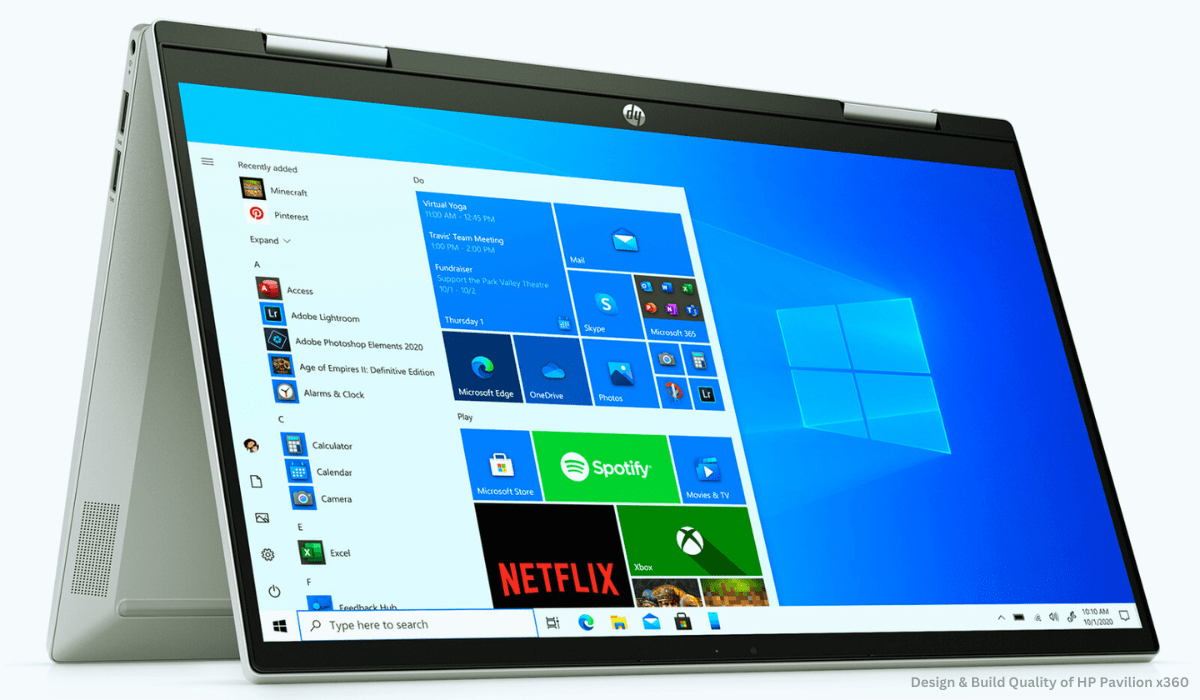

The HP Pavilion x360 aims to deliver the flexibility and usefulness of a convertible laptop at an affordable price point. I recently tested out the latest 14-inch model to provide an in-depth review exploring its features, performance benchmarks, and overall user experience as an on-the-go convertible.
Dive into the world of the HP Pavilion x360 14-inch, a versatile 2-in-1 laptop that effortlessly transforms to fit your needs. From conquering work tasks to unleashing your creativity, this sleek and portable companion delivers performance, immersive entertainment, and convenient features, empowering you to do more wherever you go.
Design & Build Quality
Sleek, light, and built to last – that’s the first impression the HP Pavilion x360 makes in the design department (as many HP Pavilion x360 reviews will attest). Tipping the scales at a mere 3.5 pounds and measuring a svelte 0.7 inches thin, this 2-in-1 laptop effortlessly slips into your bag, becoming your constant companion throughout the day. But don’t let its slim profile fool you. The Pavilion x360 packs a punch when it comes to durability. Its metal chassis exudes a reassuring sturdiness, withstanding the occasional bend during mode transitions without raising any red flags. Rest assured, it feels built to tackle the rigors of daily use.
The star of the show, however, is undoubtedly the 360-degree hinge. It glides smoothly as you seamlessly switch between laptop, tent, stand, and tablet modes, offering the versatility that defines the HP Pavilion x360 experience. This crucial component feels reassuringly solid, devoid of any unwanted wobbling, ensuring a stable and enjoyable experience across all configurations.
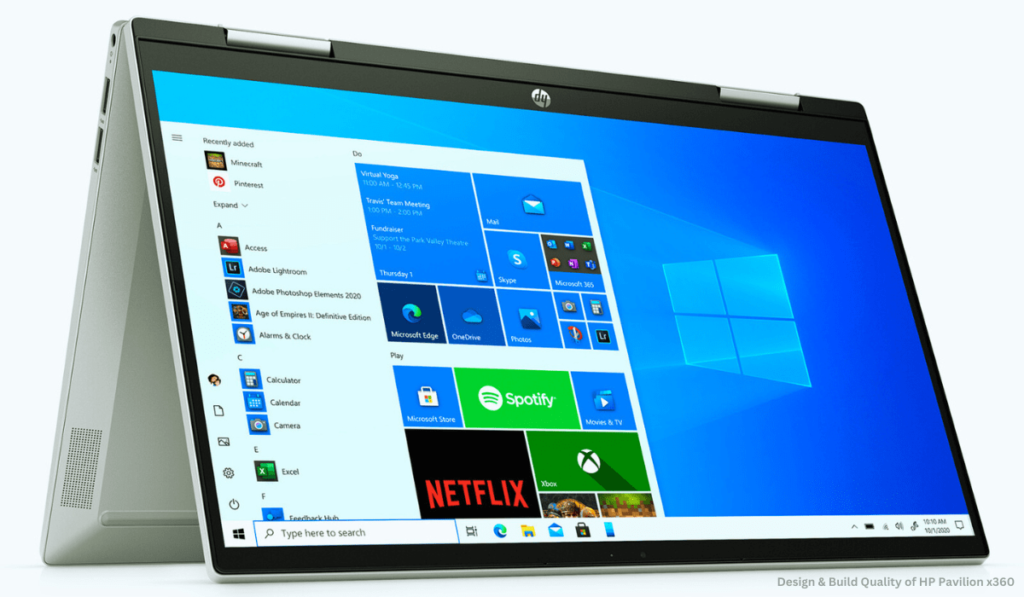
Another design aspect that deserves praise is the minimal bezels. Measuring a mere 6.5mm on the sides, they contribute significantly to the modern and compact aesthetics of the Pavilion x360. This not only adds a touch of sleekness but also maximizes screen real estate for an immersive viewing experience, whether you’re working, streaming, or creating.
Overall, the HP Pavilion x360’s design strikes a perfect balance between portability, durability, and modern flair. It’s a testament to HP’s ability to craft a device that’s both stylish and practical, perfectly complementing the versatility at its core. This aspect is sure to resonate with many users seeking a 2-in-1 laptop that seamlessly integrates into their dynamic lifestyles. Stay tuned for further sections of this HP Pavilion x360 review where we’ll delve deeper into its performance, display, and other key features!
Display & Audio
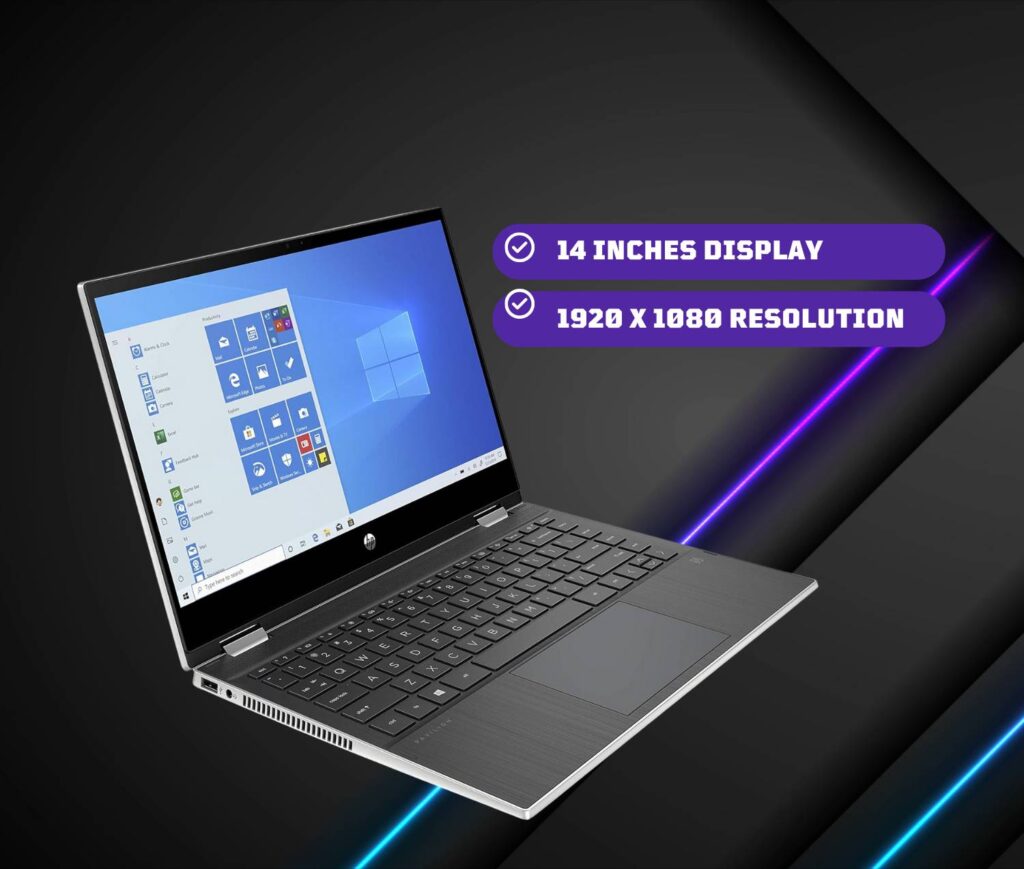
Whether you’re devouring captivating content or unleashing your creativity, the HP Pavilion x360’s display needs to be a feast for the eyes. This latest iteration boasts a stunning 14-inch, 1080p touchscreen display that brings vibrant colors and sharp details to life. From everyday web browsing and video streaming to Zoom calls and photo editing, visuals appear crisp and clear, offering an immersive experience for your daily tasks.
But the visual appeal doesn’t stop there. The touchscreen responsiveness is truly excellent, seamlessly translating your fingertip movements into on-screen actions when you switch to tablet mode. This makes note-taking, sketching, and interacting with touch-enabled apps a joy, truly unlocking the 2-in-1 versatility of the Pavilion x360.
Equally impressive is the audio department. Gone are the days of tinny laptop speakers. The Pavilion x360 packs a punch with its dual speakers, delivering loud and surprisingly full sound. Whether you’re enjoying music, streaming videos, catching up on podcasts, or even indulging in casual gaming, the audio setup provides an immersive experience that rivals many dedicated external speakers. This is a welcome change for those who appreciate quality audio without the hassle of extra equipment.

In essence, the HP Pavilion x360’s display and audio combination caters to both visual and auditory needs, enhancing your entertainment, productivity, and creative endeavors. It’s a testament to HP’s focus on delivering a well-rounded experience that goes beyond just basic functionality, a point that will undoubtedly resonate with users seeking a 2-in-1 laptop that excels in both work and play. Stay tuned for the next section of this HP Pavilion x360 review where we’ll explore its performance and other key features!
Performance & Battery: HP Pavilion x360 Review
Under the hood lies an Intel i5-1135G7 processor with integrated Iris Xe graphics and 8GB of RAM. This hardware configuration handles everyday multitasking with ease. I loaded 20+ Chrome tabs, including Google Docs, Slack, Asana, and Spotify, without noticing any lag.
The 256GB SSD allows for fast boot-up times and app launch speeds. The Pavilion x360 takes just 12 seconds to start and less than 5 seconds to open apps after clicking.
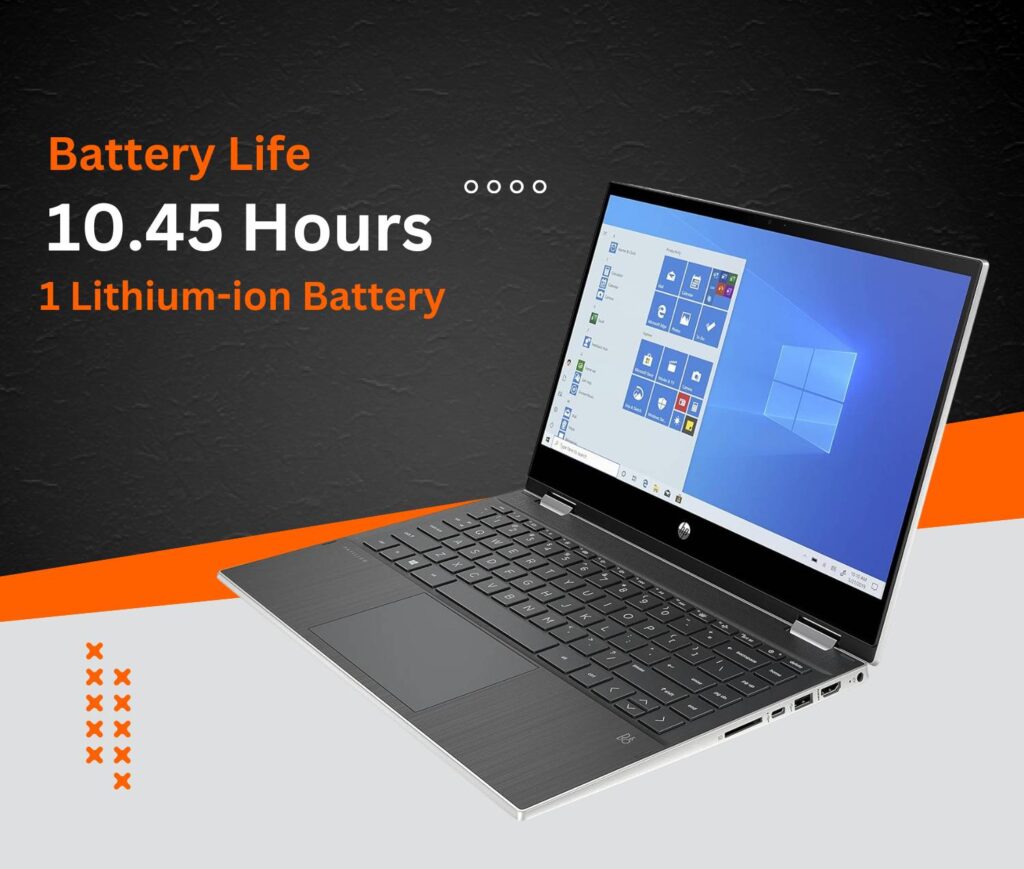
For battery performance, HP claims up to 10 hours of mixed-use. My testing showed it can deliver closer to 8 hours when streaming video and web browsing over Wi-Fi. This allows you to work or watch most of the day without needing an outlet.
Read More: How to Unlock a Boost Mobile Phone
User Experience of HP Pavilion x360
The Pavilion x360 delivers a stellar user experience at an affordable mid-range price point. The convertible form factor works seamlessly for productivity, creativity, and entertainment. Tablet mode enables comfortable web browsing or streaming. Stand and tent modes are great for giving presentations or watching movies hands-free. And it performs excellently as a regular laptop for everyday tasks.
The keyboard and touchpad also impress with a comfortable typing experience, accurate tracking, and multi-finger gestures. Connectivity options like Wi-Fi 6, Bluetooth 5.2, USB-A and Type-C ports allow you to hook up accessories and peripherals for extra productivity.
Finally, the addition of the HP Command Center allows convenient customization of performance settings when you need an extra boost. You can also easily monitor system health metrics like thermals.
Conclusion
Concluding our deep dive into the HP Pavilion x360 14-inch, it’s clear that HP has struck a chord with this latest iteration. They’ve managed to balance versatility, power, and affordability into a sleek and portable package, creating a compelling option for a wide range of users.
Whether you’re a student juggling assignments, an office professional on the go, a creative mind seeking an outlet, or simply a general user needing a reliable device for everyday tasks, the HP Pavilion x360 has something to offer. Its 2-in-1 design effortlessly adapts to your needs, transforming from a capable laptop to a convenient tablet, tent, or stand mode.
In our HP Pavilion x360 review, we’ve explored its bright and responsive display, the surprisingly immersive audio, and the smoothly operating 360-degree hinge. And let’s not forget the solid performance delivered by its latest processors and ample RAM, ensuring you can tackle your tasks with ease.
Of course, the affordability factor cannot be ignored. Compared to some high-end competitors, the HP Pavilion x360 offers excellent value for money, making it an attractive option for budget-conscious consumers.
In conclusion, the HP Pavilion x360 14-inch emerges as a well-rounded and versatile contender in the 2-in-1 laptop market. Its blend of features, performance, and affordability makes it a strong choice for students, professionals, and general users alike. If you’re seeking a flexible and reliable device that seamlessly integrates into your dynamic lifestyle, the HP Pavilion x360 deserves a serious look.